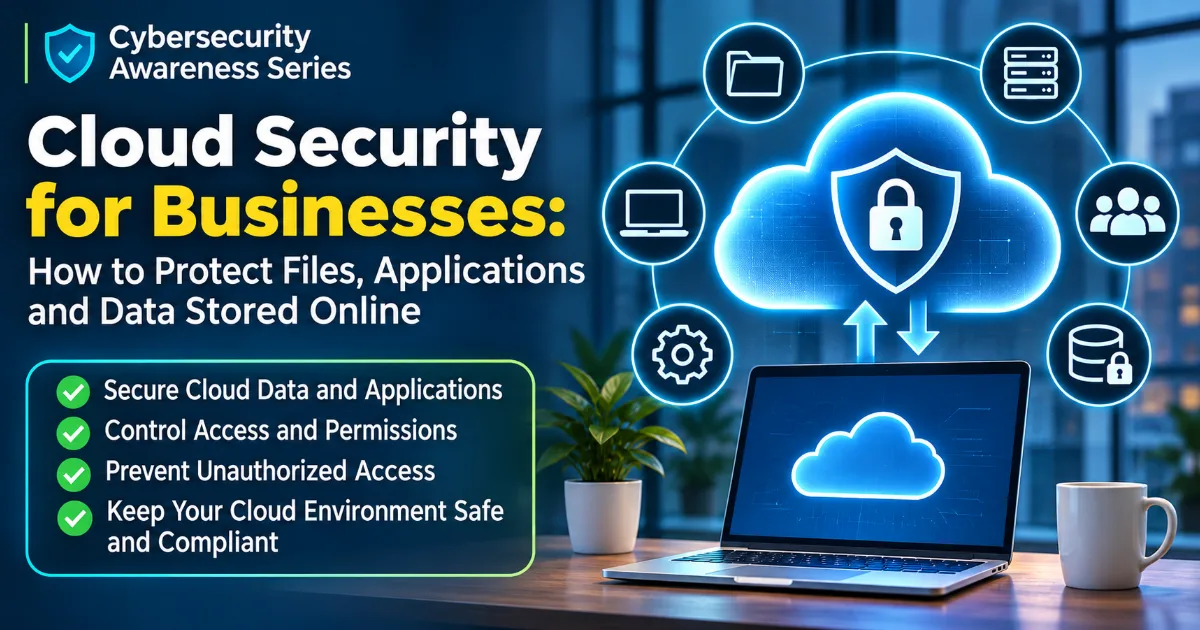
Cloud computing has transformed the way businesses operate. Organisations of every size now use cloud platforms to store documents, host applications, manage customer information, collaborate with employees, process transactions and support daily operations. Instead of depending entirely on physical servers and office-based infrastructure, businesses can access computing resources through internet-connected services. This flexibility helps organisations reduce infrastructure costs, support remote work, improve collaboration and scale their operations more efficiently.
However, moving business operations to the cloud does not automatically make information secure. Cloud environments introduce security responsibilities that organisations must understand and manage. Misconfigured storage, weak passwords, compromised employee accounts, excessive access permissions, insecure applications and inadequate monitoring can expose sensitive information to unauthorised individuals. A single mistake in a cloud configuration can potentially make confidential files accessible to people who should never see them.
Cloud security is therefore an essential part of modern business cybersecurity. It involves protecting cloud-based infrastructure, applications, accounts, networks, databases and files against unauthorised access, data theft, accidental exposure, service disruption and other digital threats. Effective cloud security requires more than purchasing a subscription from a trusted cloud provider. Businesses must also configure their environments correctly, control user access, protect information, monitor activity and prepare for security incidents.
This article explains cloud security for businesses, explores common threats, and provides practical steps organisations can follow to protect files, applications and data stored online. Whether a company uses cloud storage, hosted business software, virtual servers, online databases or a combination of services, understanding these principles can significantly improve its security posture.
Continue Reading
What Is Cloud Security?
Cloud security refers to the policies, technologies, procedures and practices used to protect cloud-based systems and information. It covers the security of data stored in cloud environments, applications accessed through the internet, computing infrastructure hosted by cloud providers, and the identities of people and services that interact with those resources.
Traditional IT security often focuses on protecting physical computers, office networks, local servers and internal databases. Cloud security extends these responsibilities beyond the organisation's physical premises. Employees may access company applications from home, business partners may exchange documents through shared cloud folders, and applications may communicate with databases hosted in different regions. This distributed environment creates additional opportunities for cybercriminals if access and configuration are not properly controlled.
Cloud security commonly includes identity and access management, encryption, network protection, secure configuration, vulnerability management, backup and recovery, logging, threat detection and incident response. These controls work together to reduce the likelihood and impact of security incidents.
For example, a company may store customer records in a cloud database. Encryption helps protect the information if storage media or data transfers are exposed. Multi-factor authentication makes it harder for an attacker to access the database using a stolen password. Role-based permissions limit which employees can view or modify customer records. Monitoring can identify unusual login attempts or unexpected downloads. Backups help the company restore information if records are accidentally deleted or damaged.
No single security control can prevent every possible attack. A strong cloud security strategy combines multiple layers of protection so that one failed control does not automatically expose the entire business environment.
Understanding the Shared Responsibility Model
One of the most important concepts in cloud security is the shared responsibility model. Cloud providers and customers have different security responsibilities, and the exact division depends on the service being used.
Cloud providers generally protect the underlying infrastructure they operate. This may include physical data centres, hardware, foundational networking and the security of the cloud platform itself. Customers remain responsible for many aspects of how they use and configure those services.
The division of responsibility changes according to the cloud service model.
Infrastructure as a Service
Infrastructure as a Service, commonly called IaaS, provides virtual machines, storage, networking and other computing resources. The customer has significant control over the operating systems, applications, network configurations and information running on that infrastructure.
A business using virtual servers may need to install security updates, configure firewalls, manage administrative accounts, secure databases and monitor application activity. The cloud provider operates the underlying physical infrastructure, but the business must protect much of what it deploys on top of it.
Platform as a Service
Platform as a Service, or PaaS, provides a managed environment for building and running applications. The provider takes responsibility for more of the underlying infrastructure and platform components.
The customer still needs to secure application code, user permissions, stored information, authentication settings and service configurations. Developers must avoid insecure coding practices and protect credentials used by applications to communicate with databases and other services.
Software as a Service
Software as a Service, or SaaS, provides ready-to-use applications through a browser or dedicated client. Examples include online email platforms, customer relationship management systems, project management applications and document collaboration tools.
The provider manages much of the application infrastructure, but the customer is still responsible for account security, user access, data-sharing settings, employee behaviour and appropriate use of the service. A company can experience a serious data exposure even when the SaaS provider's infrastructure is operating securely.
Businesses should never assume that subscribing to a cloud service transfers every security responsibility to the provider. Before adopting a platform, organisations should understand which controls they must configure and maintain themselves.
Common Cloud Security Threats Facing Businesses
Cloud environments face many of the same cybersecurity threats as traditional IT systems, but their internet accessibility, distributed architecture and complex permission structures can create additional risks.
Misconfigured Cloud Storage
Misconfiguration is one of the most common causes of cloud data exposure. Cloud storage services often allow administrators to define who can access files, folders and storage containers. If permissions are configured incorrectly, confidential information may become publicly accessible or available to users outside the intended organisation.
For example, an employee might create a shared folder containing financial reports and customer documents. If the folder is configured for public access rather than restricted access, anyone with the relevant link, or potentially anyone on the internet, may be able to view the information.
Businesses should review storage permissions regularly, disable public access where it is unnecessary and use approved sharing methods. Sensitive information should never be placed in publicly accessible locations without a documented business requirement and appropriate safeguards.
Stolen Credentials and Account Takeover
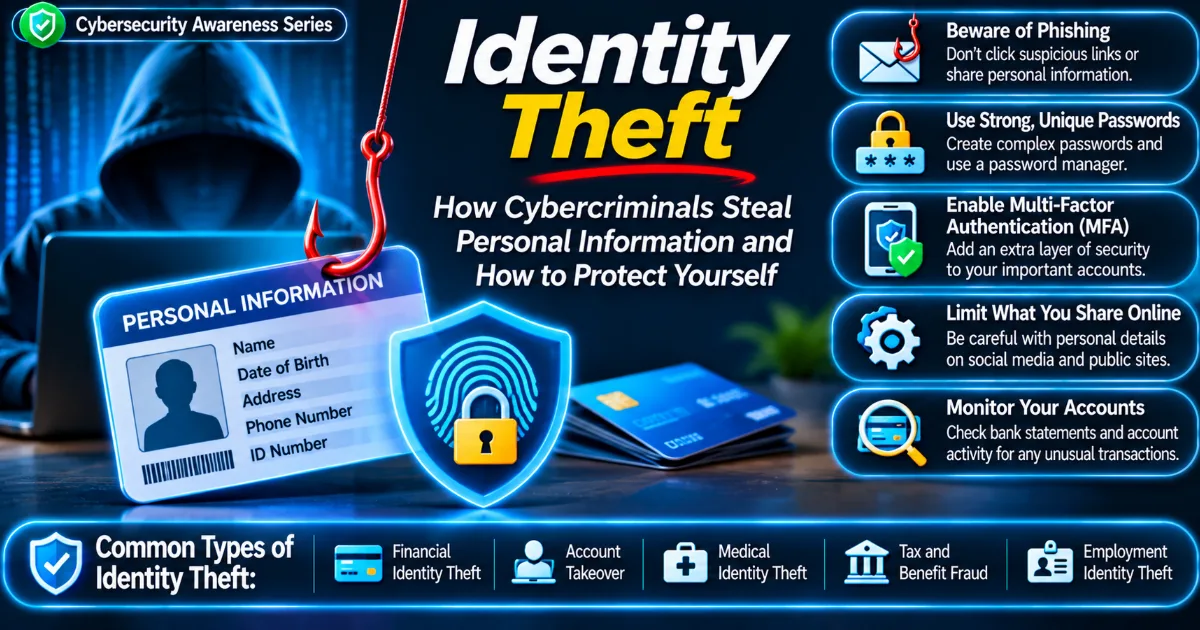
Cybercriminals frequently target cloud accounts because a compromised account can provide access to valuable business information. Attackers may obtain passwords through phishing, malware, password reuse, credential leaks or social engineering.
Once an attacker gains access to an employee's cloud account, they may read confidential emails, download documents, change sharing permissions, impersonate the employee or attempt to access other connected services.
Multi-factor authentication, strong unique passwords, phishing-resistant authentication methods where practical, and monitoring of unusual account activity can reduce this risk. Organisations should also remove access promptly when employees leave or change responsibilities.
Phishing and Social Engineering
Phishing attacks attempt to trick users into revealing credentials, opening malicious attachments or approving fraudulent login requests. Cloud services are frequent targets because employees regularly receive notifications about shared documents, account activity and password changes.
An attacker might send a message that appears to come from a familiar cloud storage provider. The message may claim that a document has been shared and ask the recipient to sign in. The link leads to a fraudulent website designed to capture login credentials.
Employees should verify unexpected requests, inspect suspicious messages carefully and avoid entering credentials through links received in unsolicited communications. Security awareness training should include realistic examples of cloud-related phishing attempts.
Insecure APIs and Application Integrations
Cloud applications frequently communicate through application programming interfaces, or APIs. APIs allow different systems to exchange information, automate workflows and access services.
If an API is poorly designed or configured, attackers may exploit weaknesses to retrieve information, modify records or access functions without proper authorisation. Exposed API keys, weak authentication, excessive permissions and insufficient input validation can create serious vulnerabilities.
Businesses should use secure authentication for APIs, restrict access to required functions, protect secrets, monitor API activity and test application integrations before deployment. API credentials should not be placed in public code repositories or exposed in browser-side application code when they are intended to remain secret.
Insider Threats
Not every security incident originates outside an organisation. Employees, contractors and other authorised users can create risks through intentional actions or accidental mistakes.
An employee might download customer information to a personal device, share a confidential document with an unauthorised recipient or retain access to business systems after changing roles. A malicious insider may deliberately copy or disclose sensitive information.
Businesses should apply least-privilege access, maintain activity logs, establish clear data-handling policies and review permissions regularly. Sensitive actions should be traceable to authorised accounts.
Ransomware and Data Destruction
Ransomware can affect cloud-connected systems when attackers compromise user accounts, endpoints, synchronised folders or virtual infrastructure. They may encrypt accessible files, delete backups, disrupt applications or threaten to publish stolen information.
Cloud storage does not automatically protect a company from ransomware. If malicious changes synchronise across connected devices and storage locations, the damage may spread quickly.
Businesses need independent backups, protected recovery points, access restrictions for backup systems and tested restoration procedures. Backups should not be treated as secure merely because they are stored in the cloud.
Unpatched Systems and Vulnerable Applications
Cloud infrastructure may run operating systems, application frameworks, databases and third-party components that require regular security updates. Unsupported software and known vulnerabilities can provide attackers with opportunities to compromise systems.
Organisations using IaaS and self-managed application environments must establish a patch management process. They should identify exposed assets, prioritise critical vulnerabilities, test updates and verify that patches have been applied successfully.
Shadow IT and Unapproved Cloud Services
Shadow IT refers to cloud services and applications used without the knowledge or approval of the organisation's IT or security team. Employees may adopt personal file-sharing platforms, online conversion tools, AI services or collaboration applications because they appear convenient.
These tools can create uncontrolled data-sharing channels. Employees might upload customer information, source code or confidential documents to services that have not been assessed for security or privacy.
Businesses should provide approved alternatives, establish clear usage policies and help employees understand why unauthorised services can create risk. Security teams should identify cloud applications in use and evaluate whether they are appropriate for business information.
How to Protect Business Data Stored in the Cloud
Data protection is at the centre of cloud security. Businesses must understand what information they store, how sensitive it is, who can access it and how it should be handled throughout its lifecycle.
Classify Business Information
Not all business information requires the same level of protection. Public marketing content, internal operational documents, employee records, customer information and financial data have different confidentiality requirements.
A practical data classification system can divide information into categories such as public, internal, confidential and highly restricted. Each category should have appropriate rules for storage, access, sharing, retention and deletion.
For example, a publicly available product brochure may be stored in a folder designed for external sharing. Customer identity documents should be stored in a restricted environment with access limited to authorised employees. Financial records may require additional approval and audit controls.
Classification helps organisations apply security measures according to actual risk rather than treating every file identically.
Encrypt Data at Rest and in Transit
Encryption transforms readable information into a protected format that requires an appropriate cryptographic key to access. It is a fundamental part of protecting cloud data.
Encryption at rest protects information stored in cloud databases, storage services, backups and other persistent systems. Encryption in transit protects information as it moves between users, applications and cloud services.
Businesses should use secure transport protocols, select appropriate encryption settings and understand how encryption keys are managed. Highly sensitive environments may require customer-managed keys, separation of key administration duties or additional key rotation procedures.
Encryption is not a substitute for access control. An authorised user or compromised application may still access data that has been decrypted for legitimate operations. It should therefore be combined with strong authentication, permissions and monitoring.
Apply the Principle of Least Privilege
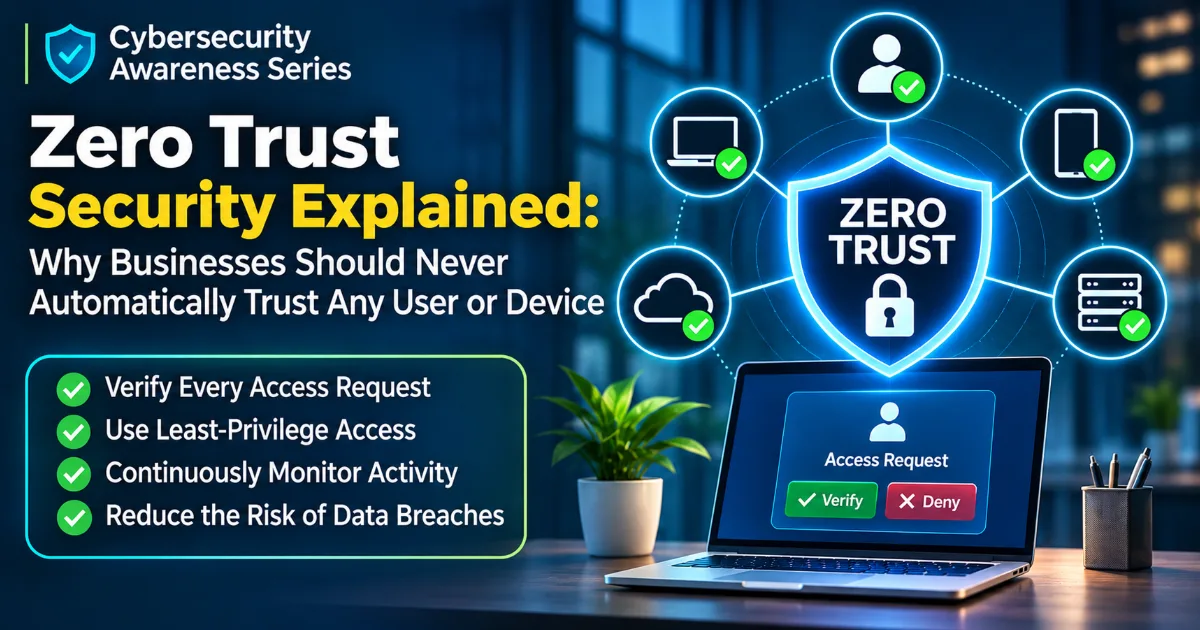
The principle of least privilege means that every user, application and service should receive only the permissions necessary to perform its assigned responsibilities.
An employee responsible for preparing invoices may need access to billing records but not unrestricted access to employee salary information or application administration settings. A software service that reads customer records may not need permission to delete them.
Businesses should avoid giving every employee administrator access. Permissions should be based on job responsibilities, approved through an appropriate process and reviewed when roles change.
Use Secure File-Sharing Settings
Cloud collaboration tools make it easy to share documents with colleagues, clients and partners. However, convenience can lead to accidental exposure if sharing settings are too broad.
Organisations should prefer named-user sharing over public links when handling confidential information. External sharing should be limited to approved recipients, and access should expire when it is no longer required. Sensitive documents may need restrictions on downloading, printing or forwarding, depending on the platform's capabilities.
Employees should verify recipient addresses before sharing documents and avoid using personal accounts to transfer business information.
Establish Data Retention and Secure Deletion Policies
Keeping information indefinitely can increase the impact of a security incident. Old files may contain personal data, outdated credentials, confidential business plans or records that are no longer required.
Businesses should establish retention periods based on legal, regulatory, contractual and operational requirements. When information is no longer needed, it should be securely deleted using methods supported by the cloud service and consistent with applicable obligations.
Deletion policies should also account for backups, archived data and replicated storage. Organisations should understand how long deleted information may remain recoverable within provider-managed systems.
Securing Cloud Applications and Infrastructure
Cloud security extends beyond protecting stored documents. Businesses must also secure the applications, virtual machines, databases, networks and services that process information.
Build Secure Cloud Configurations
Cloud platforms provide extensive configuration options. Incorrect settings can expose systems to the internet, permit unnecessary access or weaken protective controls.
Organisations should establish secure configuration baselines for cloud resources. These baselines may define requirements for storage permissions, network exposure, encryption, logging, identity policies and administrative access.
New cloud resources should be reviewed against these standards before they are made available for business use. Automated configuration checks can help identify risky settings and prevent recurring mistakes.
Protect Administrative Accounts
Administrative accounts have powerful permissions and are attractive targets for attackers. A compromised administrator account can potentially change security settings, create new users, access sensitive information or disable monitoring.
Businesses should use separate administrative accounts for privileged tasks, enforce strong multi-factor authentication and restrict administrative access to approved devices or networks where practical.
Privileged access should be granted only when required. Organisations should monitor administrative activity and investigate unexpected changes to security settings, user permissions or cloud resources.
Secure Cloud Networks
Cloud environments often contain public-facing applications, internal services, databases and management interfaces. These components should not all be accessible from the public internet.
Network segmentation separates systems according to their purpose and sensitivity. For example, a public website may communicate with an application server, while the database remains accessible only to approved internal services.
Firewalls, security groups, private connectivity options and carefully configured network access rules can reduce unnecessary exposure. Organisations should review inbound and outbound traffic requirements and avoid broad rules that allow unrestricted access.
Use Secure Development Practices
Businesses that build applications in the cloud should integrate security into the software development lifecycle. Developers should validate user input, enforce authentication and authorisation, protect session information, handle errors safely and avoid exposing sensitive data in application logs.
Code reviews, dependency scanning, automated security testing and controlled deployment processes can identify weaknesses before applications reach production.
Development, testing and production environments should be separated. Test environments should not contain real customer data unless there is a justified requirement and appropriate safeguards. Production credentials should never be reused casually in development projects.
Protect Secrets and API Keys
Applications often require credentials to access databases, cloud storage, payment services and other systems. These credentials may include API keys, access tokens, certificates and database passwords.
Storing secrets directly in source code or configuration files that are widely accessible can expose them to attackers. Businesses should use an approved secrets management service, restrict access to credentials and rotate them according to risk and policy.
If a secret is exposed, simply deleting it from the latest version of a source file may not be enough. It may remain in version history, logs or other copies. The credential should be revoked or rotated, and the exposure should be investigated.
Identity and Access Management for Cloud Security
Identity and access management, commonly known as IAM, controls who can access cloud resources and what they are allowed to do.
A strong IAM strategy is essential because cloud services are often accessed from multiple devices, networks and locations. Security teams must be able to verify identities and enforce appropriate permissions regardless of where users work.
Enforce Multi-Factor Authentication
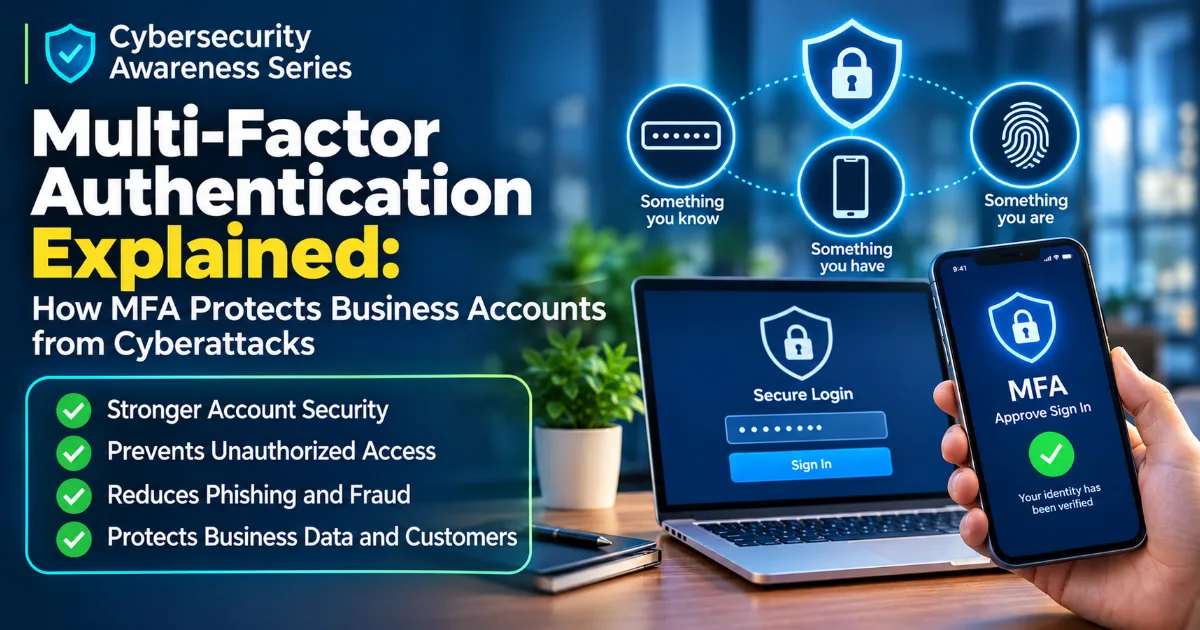
Multi-factor authentication requires users to verify their identity through more than one factor. These factors may include something they know, something they possess or a biometric characteristic.
For example, a user may enter a password and then approve a login through an authenticator application or security key. This makes account compromise more difficult when a password has been stolen.
Businesses should prioritise MFA for administrators, remote access, email, cloud consoles and applications containing sensitive information. Phishing-resistant methods, such as appropriately configured security keys or passkeys, offer stronger protection against credential theft than relying only on passwords.
Use Single Sign-On Carefully
Single sign-on allows employees to access multiple approved applications through a central identity provider. It can improve user experience and simplify account management.
However, the identity provider becomes an important security control point. Businesses should protect it with strong authentication, monitor sign-in activity, restrict administrative privileges and establish recovery procedures.
Centralised identity management can also simplify employee onboarding and offboarding. When an employee leaves, disabling the central account can help remove access to connected services, provided integrations and application-specific accounts are configured correctly.
Review Access Regularly
Permissions often accumulate over time. Employees change roles, contractors complete projects and applications are replaced. Without regular reviews, accounts may retain access that is no longer appropriate.
Businesses should schedule access reviews for sensitive systems and high-risk accounts. Managers and system owners should confirm whether each user still requires access and whether the assigned permissions remain suitable.
Inactive accounts, temporary access and unnecessary privileges should be removed. Access reviews should also include service accounts and application identities, not just human users.
Managing Cloud Backups and Disaster Recovery
Cloud security must account for accidental deletion, malicious activity, application failure, infrastructure incidents and other events that can make business information unavailable.
Backups provide a way to restore data after loss or corruption. However, a backup strategy must be designed carefully to remain useful during a serious security incident.
Follow the 3-2-1 Backup Principle
A widely used backup approach is the 3-2-1 principle. It recommends maintaining three copies of important data, using two different storage types or media, with one copy stored separately from the primary environment.
For cloud-based businesses, the exact implementation may differ, but the underlying goal is to avoid depending on a single account, storage location or infrastructure environment.
A company might maintain production data, a separate backup copy and an additional protected copy in another location. Access to backup systems should be restricted so that a compromised production account cannot easily delete every recovery copy.
Use Immutable or Protected Backups
Immutable backups are designed to prevent modification or deletion for a defined period. They can help protect recovery data against ransomware and malicious administrators, depending on the implementation.
Businesses should understand the provider's retention controls, access requirements and recovery procedures. Backup protection should be tested rather than assumed.
Test Restoration Procedures
A successful backup is not proven until the organisation can restore the information it needs. Businesses should conduct periodic restoration tests to confirm that backups are complete, accessible and usable.
Testing should include important databases, business applications, configuration files and identity-related recovery procedures. Organisations should record how long restoration takes and identify dependencies that could delay recovery.
Two useful planning concepts are the Recovery Point Objective and Recovery Time Objective. Recovery Point Objective, or RPO, describes how much data loss measured in time the organisation can tolerate. Recovery Time Objective, or RTO, describes how quickly a service should be restored after disruption.
A business that processes frequent online transactions may require a much shorter RPO than a company storing non-critical reference documents. Recovery requirements should reflect the business impact of losing access to each system.
Monitoring and Detecting Cloud Security Incidents
Prevention is important, but no security programme can guarantee that every attack will be blocked. Businesses also need the ability to identify suspicious activity and respond quickly.
Cloud platforms often provide logs covering authentication events, administrative actions, resource changes, application activity and network traffic. These records can help security teams understand what happened and identify unusual behaviour.
Monitoring should focus on events that may indicate compromise, including repeated failed logins, unexpected access from unfamiliar locations, unusual data downloads, changes to storage permissions, creation of unfamiliar administrator accounts and attempts to disable security controls.
Organisations should establish alerts for important events and define who is responsible for investigating them. Alerts must be prioritised carefully so that security teams are not overwhelmed by large volumes of low-value notifications.
Centralised logging can help businesses correlate events across multiple cloud services. Logs should be protected against unauthorised modification and retained for an appropriate period based on operational and legal requirements.
Small businesses without a dedicated security operations team can still improve monitoring by enabling built-in cloud security alerts, reviewing account activity and assigning clear responsibility for investigating suspicious events.
Cloud Security and Employee Awareness
Technology cannot protect a business if employees routinely bypass security procedures. Human behaviour plays a significant role in cloud security because employees create accounts, share documents, approve access requests and interact with external services.
Security awareness training should explain how to identify phishing messages, protect credentials, share files safely and report suspicious activity. Training should be practical and relevant to the cloud services employees actually use.
Employees should understand that a document-sharing request can be fraudulent, a public link can expose confidential information and an unexpected authentication approval may indicate that someone else is attempting to access their account.
Organisations should encourage employees to report mistakes quickly. If someone accidentally shares a confidential file with the wrong recipient, rapid reporting may allow administrators to revoke access and investigate potential exposure. Punitive responses that discourage reporting can make incidents harder to contain.
Training should be repeated periodically and updated when the organisation adopts new tools, changes workflows or identifies emerging threats.
Choosing a Secure Cloud Service Provider
Selecting a cloud provider is an important business decision. Cost, performance and convenience matter, but security, privacy, reliability and contractual responsibilities should also influence the choice.
Businesses should evaluate the provider's security documentation, authentication capabilities, encryption options, logging features, backup capabilities and incident response processes.
They should understand where data is stored, which subcontractors may process it and what contractual commitments apply to security incidents. Organisations handling regulated or sensitive information may need to assess compliance requirements relevant to their industry and operating locations.
Security certifications and independent audit reports can provide useful evidence, but they should not replace an organisation's own assessment. A provider's certification does not guarantee that every customer configuration is secure.
Businesses should also consider how they can export their data, migrate to another provider and recover their information if a service is discontinued. Vendor lock-in and limited data portability can create operational challenges during a security incident or business transition.
Cloud Security Compliance and Data Privacy
Businesses may be subject to privacy laws, contractual obligations and industry-specific security requirements depending on the information they process and the locations in which they operate.
Cloud adoption does not remove these obligations. Organisations remain responsible for understanding how personal information is collected, stored, accessed, shared, retained and deleted.
Companies operating in India should consider applicable requirements under relevant Indian data protection and cybersecurity frameworks, including the Digital Personal Data Protection Act, 2023, and rules or directions applicable to their operations. Businesses operating internationally may also need to assess requirements such as the European Union's General Data Protection Regulation or other local privacy laws.
The exact obligations depend on the organisation, its role in processing information, the nature of the data and the relevant legal framework. Businesses should seek qualified legal or compliance advice where necessary.
A practical compliance programme should document data flows, identify responsible teams, establish access and retention policies, maintain appropriate records and define procedures for handling data breaches and privacy requests.
A Practical Cloud Security Checklist for Businesses
Businesses can use the following checklist to evaluate their cloud security practices.
Account and Identity Protection
Enable multi-factor authentication for cloud accounts.
Use strong, unique passwords and approved password management tools.
Protect administrative accounts with additional controls.
Remove accounts belonging to former employees and contractors.
Review privileged access regularly.
Monitor unusual sign-in activity.
Data Protection
Classify business information according to sensitivity.
Encrypt sensitive data at rest and in transit.
Restrict access to confidential documents.
Disable unnecessary public sharing.
Review external sharing permissions.
Establish retention and secure deletion procedures.
Infrastructure and Applications
Apply secure configuration baselines.
Patch operating systems, applications and dependencies.
Restrict public network access.
Segment sensitive systems.
Protect API keys and application secrets.
Separate development, testing and production environments.
Backup and Recovery
Maintain independent backups of critical information.
Restrict access to backup systems.
Use protected or immutable backups where appropriate.
Test restoration procedures regularly.
Define recovery objectives for critical services.
Document disaster recovery responsibilities.
Monitoring and Response
Enable relevant cloud audit logs.
Monitor administrative and security-sensitive activity.
Create alerts for suspicious behaviour.
Define an incident response process.
Train employees to report suspected incidents.
Review incidents and improve controls after each event.
This checklist provides a starting point. Businesses should adapt it according to their size, cloud architecture, industry, data sensitivity and risk exposure.
Example: Building a Cloud Security Strategy for a Small Business
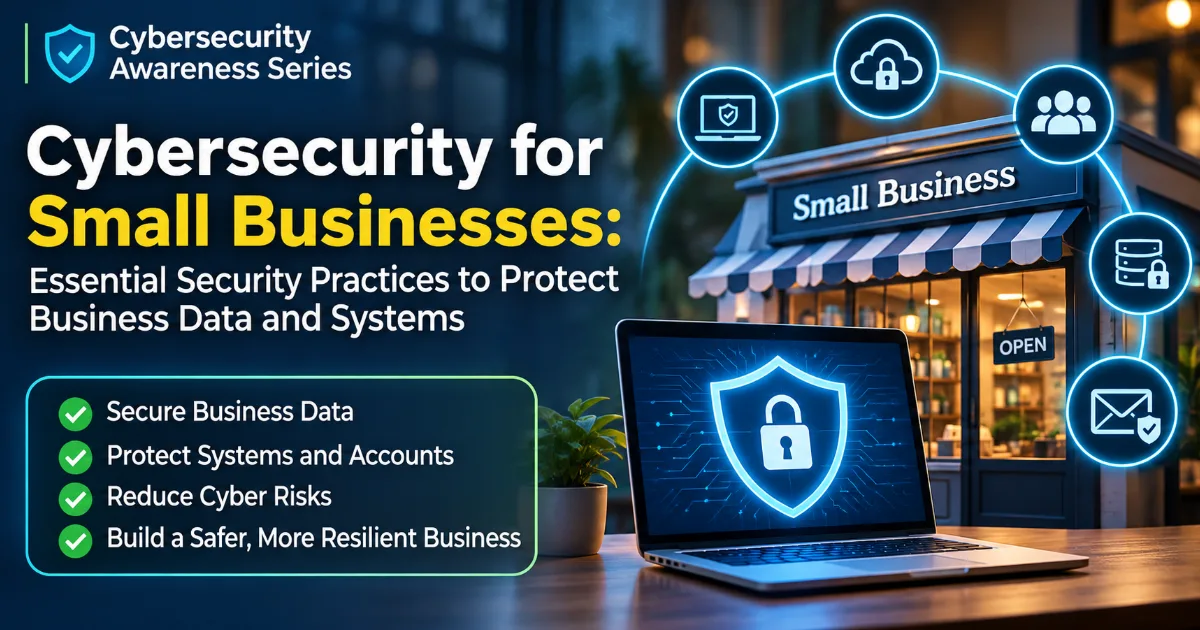
Consider a small company with 25 employees. It uses cloud email, online document storage, accounting software, a customer relationship management platform and a cloud-hosted website.
The company may believe that its information is safe because every service is provided by a recognised technology vendor. However, a closer assessment could reveal that several employees use weak passwords, former contractors still have active accounts, customer documents are shared through unrestricted links and backups are not tested.
The company can begin by creating an inventory of cloud services and identifying the information stored in each one. It can then enable multi-factor authentication, remove unnecessary accounts and assign permissions according to employee responsibilities.
Next, it can review document-sharing settings, restrict access to customer and financial records, and establish a policy for approved applications. Website administrators can update software, secure management interfaces and review application credentials.
The company should also enable security alerts, maintain independent backups and test the restoration of important files. Employees can receive short, practical training on phishing, secure file sharing and reporting suspicious activity.
These actions do not require a large enterprise security department. They require clear ownership, consistent processes and a willingness to review security regularly.
The example demonstrates that cloud security is not a single product or one-time configuration. It is an ongoing business practice that should evolve as technology, employees and threats change.
Common Cloud Security Mistakes Businesses Should Avoid
One frequent mistake is assuming that a well-known cloud provider automatically makes every customer environment secure. Providers offer security capabilities, but customers must configure and use them correctly.
Another mistake is giving employees excessive permissions for convenience. Broad access may save time initially, but it increases the potential damage caused by compromised accounts and accidental actions.
Businesses also make the mistake of relying only on passwords. Passwords can be stolen, reused or exposed through phishing. Multi-factor authentication and stronger identity controls are essential.
A further mistake is treating cloud synchronisation as a backup. Synchronisation can replicate accidental deletions or malicious file changes. A separate recovery strategy is necessary.
Some organisations enable logging but never review it. Logs are valuable only when they are protected, retained and used to detect or investigate meaningful activity.
Finally, businesses sometimes delay security improvements until after an incident. Cloud security should be part of procurement, application development, employee onboarding and everyday operations rather than an activity reserved for emergencies.
Building a Long-Term Cloud Security Programme
Effective cloud security requires continuous attention. Businesses should establish a programme that combines governance, technical safeguards, employee awareness and regular evaluation.
The first step is assigning responsibility. Someone should be accountable for cloud security decisions, even when the organisation does not have a dedicated security department. Responsibilities may be distributed across IT administrators, application owners, business managers and external service providers.
The next step is maintaining visibility. Organisations should know which cloud services are being used, what information they contain, who can access them and how they connect to other systems. Without this visibility, security teams may overlook important resources.
Businesses should conduct regular risk assessments to identify their most valuable information and the threats most likely to affect their operations. Security investments should prioritise controls that reduce significant risks rather than adopting tools without a clear purpose.
Cloud configurations, permissions, application dependencies and backup arrangements should be reviewed periodically. Security testing should be performed when major changes are introduced and at appropriate intervals based on risk.
Incident response plans should explain how to identify, contain, investigate and recover from cloud security incidents. They should include contact details, decision-making responsibilities, communication procedures and steps for preserving relevant evidence.
A mature programme also learns from experience. Security incidents, audit findings, employee reports and system changes should be used to improve policies and technical controls. This continuous improvement approach helps organisations adapt as their cloud environments grow.
Conclusion
Cloud computing gives businesses the flexibility to store information, run applications and collaborate from almost anywhere. It can reduce infrastructure requirements, improve productivity and support business growth. However, these benefits depend on responsible security practices.
Cloud security is a shared responsibility. Providers protect the infrastructure and services they operate, while businesses must manage their accounts, data, configurations, applications and user permissions appropriately. Misconfigured storage, stolen credentials, phishing, insecure APIs, insider threats and inadequate backups can expose organisations to serious financial, operational and reputational damage.
Businesses can strengthen their cloud security by enforcing multi-factor authentication, applying least-privilege access, encrypting sensitive information, securing applications, monitoring activity and maintaining independent backups. Employee awareness, provider assessment, compliance planning and incident response are equally important.
The most effective approach is to treat cloud security as an ongoing business responsibility rather than a one-time technical task. Organisations that understand their cloud environments, define clear responsibilities and regularly review their safeguards are better positioned to protect confidential information and maintain customer trust.
As businesses continue to depend on cloud-based technology, protecting online files, applications and data will remain a fundamental part of cybersecurity. A secure cloud environment supports not only technology operations but also business continuity, customer confidence and long-term growth.
#CloudSecurity #CybersecurityAwareness #DataProtection #BusinessCybersecurity #CloudSecurityBestPractices