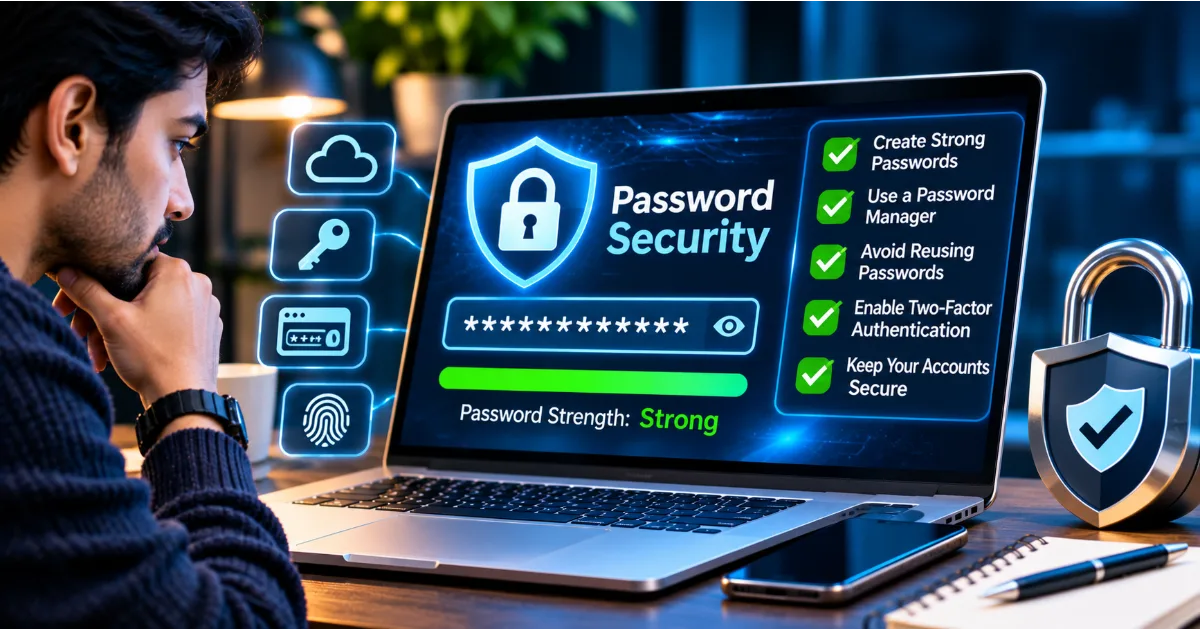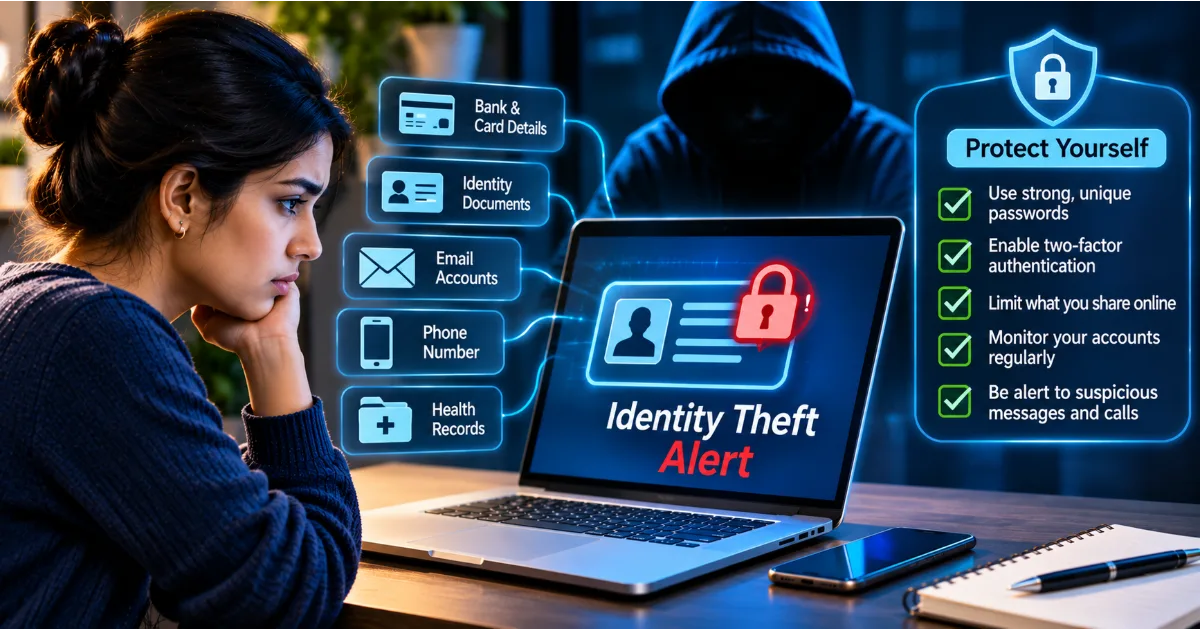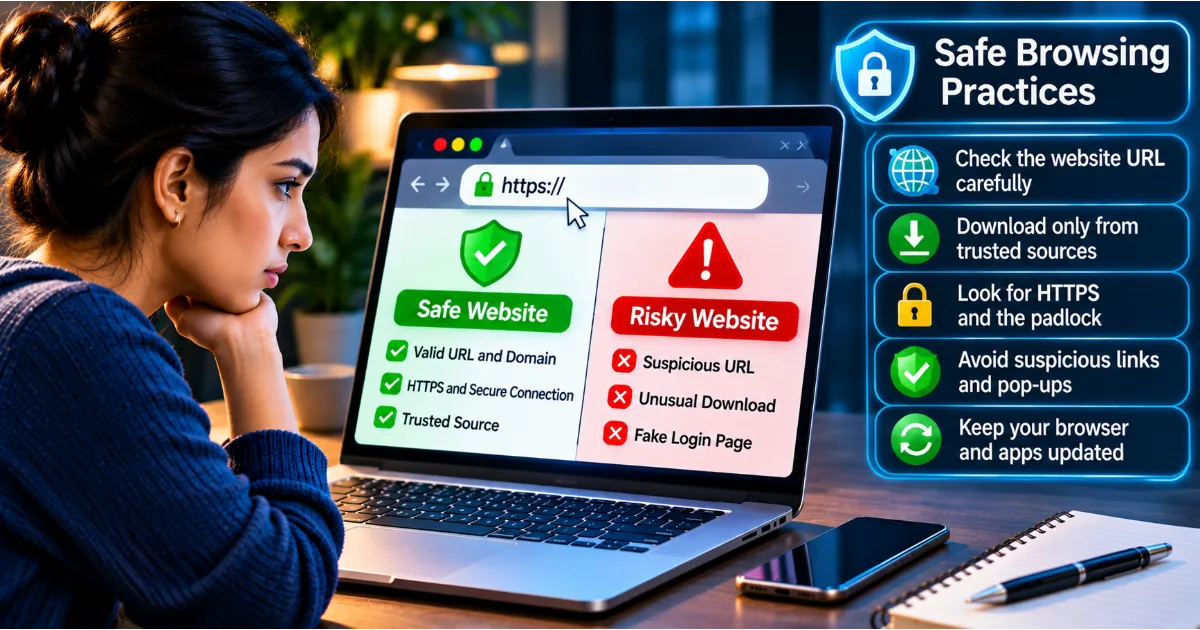
Passwords have traditionally been the first line of defence for protecting online accounts. We use them to access email, banking applications, social media platforms, shopping websites, workplace systems, cloud storage, and many other digital services. However, passwords alone are no longer enough to provide reliable protection against the growing range of cyber threats.
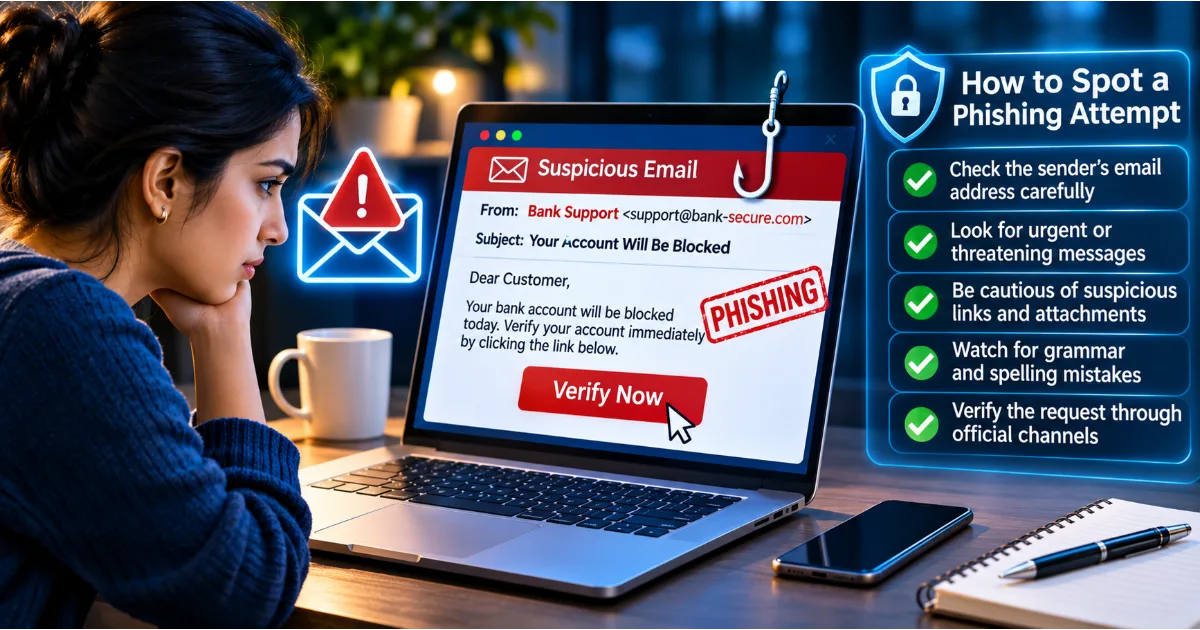
Cybercriminals use phishing, malware, data breaches, credential stuffing, brute-force attacks, and social engineering to obtain login credentials. Even a long and complicated password can be exposed if someone enters it into a fraudulent website or if the service storing it experiences a security breach. Password reuse makes the situation even more dangerous because credentials stolen from one website may be tested against several other accounts.
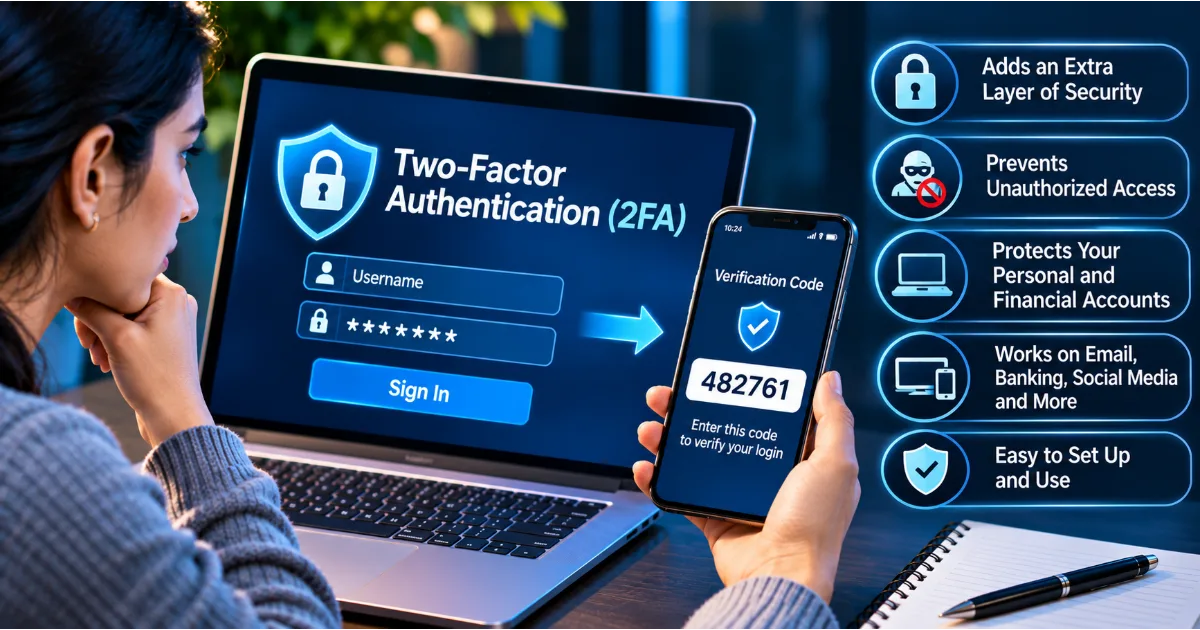
Two-factor authentication, commonly known as 2FA, provides an additional layer of protection. Instead of relying only on a password, it requires the user to complete a second verification step before access is granted. This additional step may involve a code generated by an authenticator application, a physical security key, a registered device, or another supported authentication method.
The purpose of 2FA is straightforward: knowing a password should not automatically be enough to access an account. An attacker who steals a password may still be unable to sign in without the additional factor.
Understanding two-factor authentication is an essential part of cybersecurity awareness. This article explains how 2FA works, the different authentication methods available, why it matters, how to enable it, what mistakes to avoid, and how individuals and businesses can use it to reduce the risk of account hacking.
Continue Reading
What Is Two-Factor Authentication?
Two-factor authentication is a security process that requires two different authentication factors to verify a user's identity. It is a form of multi-factor authentication, or MFA, which uses more than one independent factor to protect access to an account or system.
The word factor is important. Two different passwords do not necessarily represent two-factor authentication because both belong to the same category of authentication: something the user knows.
Authentication factors are generally divided into three categories.
Something You Know
This category includes information that the user remembers or knows. Examples include passwords, PINs, and security questions.
A password is the most familiar example. When you enter your password during login, you demonstrate knowledge of a credential associated with your account.
Something You Have
This category involves a physical device or possession controlled by the user. Examples include a registered smartphone, hardware security key, authentication token, or approved device that can receive or generate a verification challenge.
For instance, an authenticator application may generate a temporary code on your registered phone. A hardware security key may provide cryptographic proof that the authorised device is physically present.
Something You Are
This category involves biometric characteristics used to verify identity. Examples include fingerprints, facial recognition, and other supported biometric methods.
Biometric authentication is often used to unlock a device or approve access to a credential stored on it. The actual security design depends on the service and device.
A typical 2FA process combines two different categories. A user may enter a password, which is something they know, and then approve a login through a registered device, which is something they have.
The combination makes unauthorised access more difficult than relying on a password alone.
How Does Two-Factor Authentication Work?
The exact process depends on the service and authentication method, but the general sequence is similar.
First, the user opens a website or application and enters their username or email address. They then provide their password. The service checks whether the credentials are correct.
If the password is accepted, the service requests a second verification step. This may be a temporary code, an approval notification, a hardware security key, or a passkey-based authentication process.
The user completes the second step using the registered method. If the verification succeeds, the service grants access.
Consider an example involving an email account. You enter your email address and password on the login page. The service then asks you to approve the sign-in using an authenticator application on your phone. You confirm the request, and the account opens.
If a criminal has stolen your password but does not control your registered authentication method, the second step may prevent the criminal from accessing the account.
However, 2FA is not an absolute guarantee. Attackers may attempt to steal verification codes, manipulate users into approving fraudulent requests, or exploit weaknesses in account recovery procedures. The strength of protection depends on the authentication method and how carefully it is used.
Why Is Two-Factor Authentication Important?
1. It Adds Protection When Passwords Are Stolen
Passwords can be exposed in many ways. A person might reuse credentials across websites, fall for a phishing message, download malicious software, or have an account affected by a data breach.
Two-factor authentication provides another security requirement. If the password is stolen, an attacker may still need the second factor to complete the login.
This is particularly valuable for email, banking, cloud storage, workplace, and social media accounts.
2. It Reduces the Risk of Account Takeover
Account takeover occurs when an unauthorised person gains control of an existing account. Criminals may use compromised accounts to steal information, impersonate victims, conduct financial fraud, or target other users.
By requiring an additional authentication factor, 2FA makes it harder for someone to take over an account using only a stolen password.
3. It Helps Protect Financial Information
Banking and payment accounts contain sensitive financial information. Unauthorised access may lead to fraudulent transfers, purchases, or changes to account settings.
Where financial institutions support additional authentication, users should enable the available security features and follow the institution's official recommendations.
2FA should be combined with transaction alerts, secure devices, careful handling of verification codes, and regular account monitoring.
4. It Protects Email Accounts
Email accounts are especially important because they are often used to recover access to other services. Password-reset links, account notifications, invoices, private documents, and security alerts may all be delivered to the same inbox.
If a criminal takes over an email account, the attacker may attempt to reset passwords on shopping platforms, social media services, cloud storage, and other websites.
Protecting the primary email account with strong authentication can therefore reduce the risk of several connected accounts being compromised.
5. It Helps Secure Workplace Systems
Employees may have access to customer information, internal documents, financial systems, project tools, and confidential business communication.
A stolen employee password can expose sensitive company resources. Organisations can reduce this risk by requiring MFA for employee accounts, remote access, administrative systems, and important business applications.
6. It Provides Protection Against Password Reuse
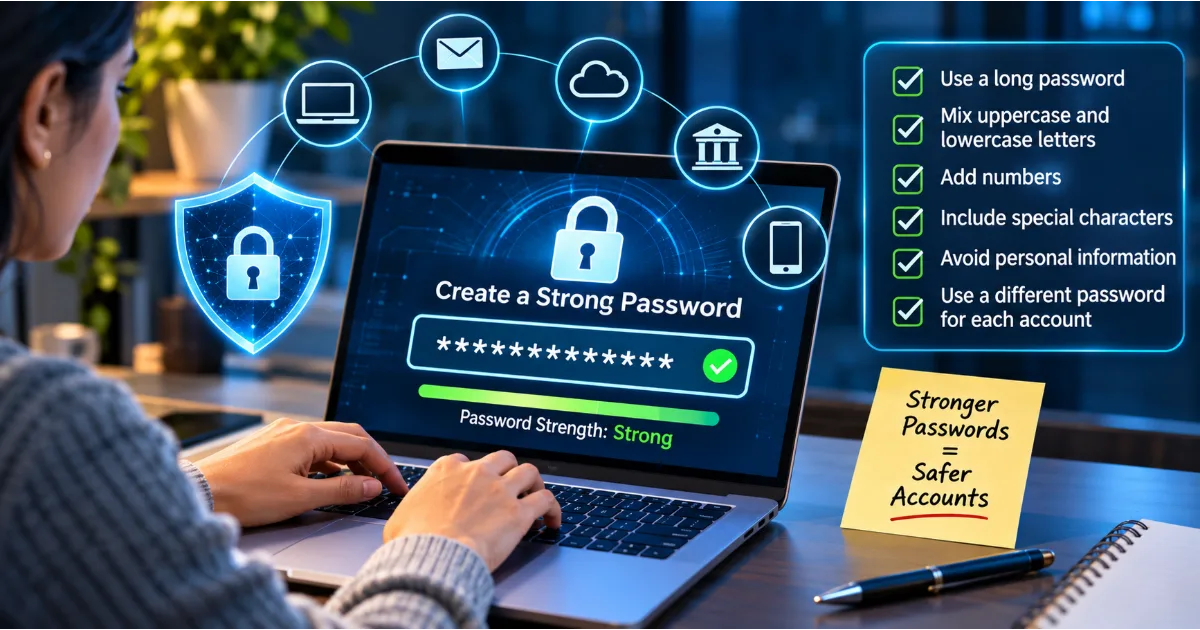
Even people who use strong passwords may reuse them across services. A data breach at one website can expose credentials that attackers may try elsewhere.
Unique passwords remain essential, but 2FA adds another layer of defence if a reused or exposed password is successfully obtained.
Common Types of Two-Factor Authentication
Not all 2FA methods provide the same level of protection. Understanding their differences helps users select suitable options.
1. SMS-Based Verification Codes
SMS-based authentication sends a temporary verification code to a registered mobile number. After entering the password, the user receives a text message and enters the code to complete the login.
This method is familiar and easy to use. It does not normally require installing a separate authenticator application, making it accessible to many users.
However, SMS authentication has limitations. Phone numbers can be targeted through SIM swapping, mobile account fraud, and other attacks. Messages may also be exposed through compromised devices or weaknesses in telecommunications systems.
SMS-based 2FA is generally better than password-only authentication, but stronger methods should be preferred when available.
2. Authenticator Applications
Authenticator applications generate temporary verification codes on a registered device. These codes are commonly based on a time-based one-time password system.
During setup, the service displays a QR code or another configuration method. The user scans or enters the setup information into the authenticator application. The application then generates codes that change periodically.
When signing in, the user enters the current code after providing the password.
Authenticator applications can provide stronger protection than SMS in many situations because the codes are generated locally rather than delivered through the mobile network.
However, users must protect the device and the authenticator account. They should also understand how to recover access if the phone is lost, damaged, or replaced.
3. Push Notification Authentication
Some services send an approval notification to a registered application or device. The user reviews the sign-in request and approves or denies it.
This can make authentication convenient because the user does not need to copy and enter a code.
The main risk is approval fatigue. Attackers may repeatedly send login requests, hoping that a tired or confused user will approve one accidentally.
Never approve an authentication request that you did not initiate. If unexpected requests continue, change your password, review account activity, and investigate the source of the attempts.
Where supported, number matching can improve push authentication. The login screen displays a number that the user must match in the authentication application, reducing the chance of accidental approval.
4. Hardware Security Keys
A hardware security key is a physical device used to authenticate access to supported accounts. It may connect through USB, NFC, or another supported interface.
When the user signs in, the service requests a cryptographic authentication response from the registered key. The user interacts with the key to complete verification.
Hardware security keys can provide strong protection against phishing when implemented through modern standards such as FIDO2 and WebAuthn.
They are particularly useful for administrators, professionals handling sensitive information, and people who want stronger protection for important accounts.
Users should consider registering a backup key and storing it securely to avoid losing access if the primary key is misplaced.
5. Biometric Authentication
Biometric authentication uses physical characteristics such as fingerprints or facial recognition to verify a user.
On many modern devices, biometrics can unlock a locally stored credential or approve an authentication action. This can make sign-in convenient while keeping sensitive authentication operations protected by the device.
Biometric authentication is not automatically equivalent to a separate factor in every system. The security model matters. For example, a fingerprint may simply unlock a device that then provides another registered authentication credential.
Users should keep their devices updated and protect their device-lock settings.
6. Passkeys
Passkeys are a modern authentication technology designed to reduce reliance on traditional passwords. They use cryptographic key pairs associated with a website or application.
The private credential remains protected by the user's device or credential manager, while the service stores the corresponding public key. Authentication generally requires the user to unlock the credential through a device PIN, biometric check, or another supported method.
Passkeys are designed to resist traditional phishing because the credential is associated with the legitimate website or application rather than being entered into an imitation login form.
Passkeys are not simply another name for SMS-based 2FA. They can replace passwords in supported services and provide strong phishing-resistant authentication.
Where available, passkeys are an excellent option to consider for important accounts.
Which Two-Factor Authentication Method Is the Best?
The best method depends on the service, the user's needs, available devices, and the level of risk involved.
For many everyday accounts, an authenticator application provides a practical balance between security and convenience. Push notifications can also be useful when the service includes protections such as number matching.
For highly sensitive accounts, passkeys or hardware security keys are generally strong options because they can provide phishing-resistant authentication.
SMS verification can still provide an additional layer when stronger alternatives are unavailable. However, users should understand its limitations and protect their mobile accounts.
A sensible priority is to enable the strongest authentication method supported by the service, while maintaining secure recovery options.
How to Enable Two-Factor Authentication on Your Accounts
The setup process differs between platforms, but most services provide authentication controls in account settings.
Step 1: Sign In Through the Official Website or Application
Open the official website or application directly. Avoid using a link from an unexpected email, text message, or social media message.
Confirm that you are accessing the legitimate service before changing security settings.
Step 2: Open Security Settings
Look for sections labelled Security, Login and Security, Account Protection, Authentication, or Privacy and Security.
The exact wording varies across platforms. Some services place authentication controls inside account-management settings.
Step 3: Find Two-Factor Authentication or MFA
Select the option for two-factor authentication, multi-factor authentication, or an equivalent security feature.
Read the available methods carefully. The service may offer SMS, an authenticator application, a security key, passkeys, or push notifications.
Step 4: Select an Authentication Method
Choose the strongest practical method supported by the service. If an authenticator application is available, follow the service's instructions to register it.
For a hardware key or passkey, follow the official setup process on a compatible device.
Step 5: Complete the Verification Process
The service may ask you to scan a QR code, enter a temporary code, approve a notification, or register a security key.
Complete the verification process to confirm that the method is working.
Step 6: Save Recovery Information
Many services provide backup codes or alternative recovery methods. Store them in a secure location, such as an encrypted password manager or another protected offline location.
Do not save backup codes in an unsecured document or share them through ordinary messages.
Step 7: Test Your Login
After enabling 2FA, sign out when appropriate and test the login process using the new method.
Confirm that you can complete authentication and that your recovery options are accessible. This helps prevent unexpected account lockouts later.
What Are Backup Codes and Why Are They Important?
Backup codes are alternative authentication codes provided by some services. They can help users regain access when their usual second factor is unavailable.
For example, a person may lose a phone containing an authenticator application. If the account has no alternative recovery method, access may become difficult.
Backup codes can provide a way to complete authentication without the original device. Each code may be usable only once, depending on the service.
Treat backup codes as sensitive credentials. Anyone who obtains them may be able to use them to bypass the normal second-factor process.
Store them securely, do not share them, and generate new codes if you believe the existing ones have been exposed.
Common Two-Factor Authentication Mistakes
Sharing Verification Codes
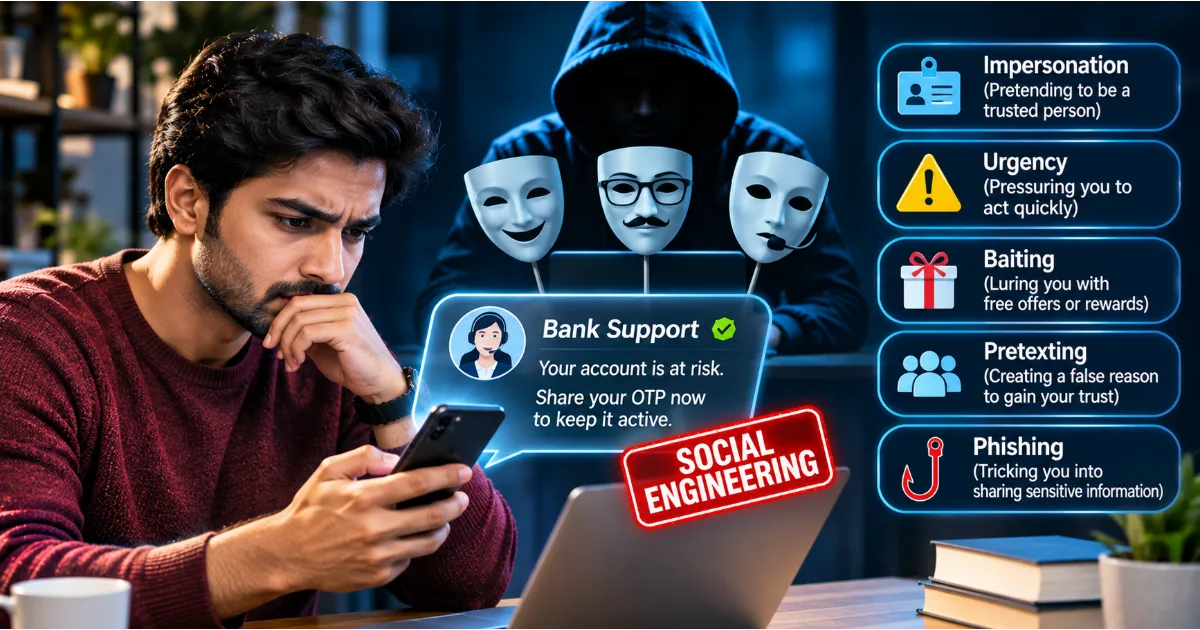
A verification code is intended for the account owner. A criminal may call or message pretending to be a bank employee, technical support representative, delivery agent, or platform administrator.
They may claim that the code is required to cancel a fraudulent transaction or verify the user's identity.
Never disclose an authentication code to an unexpected caller or message sender. Legitimate security teams should not ask you to reveal your private verification codes.
Approving Unknown Login Requests
Push authentication can be convenient, but approving a request without checking it can expose an account.
If you receive a notification that you did not initiate, deny it. Review your account security and investigate whether someone has obtained your password.
Relying Only on SMS
SMS authentication is better than having no additional factor in many circumstances, but it can be vulnerable to SIM swapping and other attacks.
Use an authenticator application, passkey, or hardware security key when supported and appropriate.
Ignoring Recovery Settings
Users sometimes enable 2FA without reviewing how they will recover access if a device is lost.
Before relying on an authentication method, understand the service's recovery process. Register backup methods where appropriate and store recovery codes securely.
Disabling 2FA for Convenience
Some people disable authentication because the additional step feels inconvenient. This removes an important security layer.
Instead of turning off 2FA, consider a more convenient supported method, such as a passkey or trusted authenticator application.
Losing the Registered Device
A phone may be lost, damaged, reset, or replaced. If the only second factor is stored on that device, account access may become difficult.
Prepare for device replacement by configuring secure recovery options and backup methods before an emergency occurs.
Can Two-Factor Authentication Be Hacked?
Two-factor authentication significantly improves account protection, but it is not invulnerable.
Criminals may attempt to steal both the password and the second factor through phishing, malware, SIM swapping, or social engineering. They may also target account recovery procedures or manipulate users into approving fraudulent login requests.
Some attacks use adversary-in-the-middle phishing pages. These pages imitate legitimate websites and attempt to capture login information and authentication responses in real time.
This is one reason phishing-resistant methods such as passkeys and hardware security keys are important. They can help prevent credentials from being used on fraudulent websites.
Users should also avoid approving unexpected notifications, protect their devices, and keep recovery information secure.
The objective is not to assume that 2FA makes an account impossible to compromise. It is to make unauthorised access significantly more difficult.
Two-Factor Authentication for Businesses
Businesses often manage many user accounts, applications, cloud services, and internal systems. A compromised employee password can expose customer information, intellectual property, financial records, and confidential communication.
Organisations should make multi-factor authentication part of their identity and access management strategy.
Protect Administrative Accounts
Administrative accounts can have extensive permissions. If an attacker compromises one, the consequences may affect an entire organisation.
Require strong authentication for administrators and other privileged users. Where possible, use phishing-resistant methods and separate ordinary work accounts from administrative accounts.
Secure Remote Access
Employees and contractors may access business systems from home, client locations, or public networks. MFA can reduce the risk of unauthorised access through stolen credentials.
Apply appropriate authentication requirements to remote access services, cloud applications, and important internal systems.
Apply Access Controls
Authentication verifies identity, but it does not determine what a user should be allowed to access. Organisations must also use appropriate authorisation controls.
Give employees only the permissions necessary for their responsibilities. Review access when roles change and remove accounts promptly when people leave the organisation.
Train Employees
Employees should understand how MFA works, why unexpected approval requests are dangerous, and why verification codes must never be shared.
Training should include practical examples of phishing, fake support calls, account takeover attempts, and fraudulent login notifications.
Monitor Suspicious Activity
Businesses should monitor authentication events for unusual locations, unfamiliar devices, repeated failed attempts, unexpected privilege changes, and other suspicious behaviour.
Security teams should have procedures for disabling compromised accounts, revoking sessions, resetting credentials, and investigating potential incidents.
Two-Factor Authentication for Students and Families
Students use online platforms for education, communication, entertainment, and collaboration. Their accounts may contain personal documents, academic information, photographs, and private messages.
Enabling 2FA on email, cloud storage, and important social media accounts can reduce the risk of unauthorised access.
Parents can help younger users understand the importance of keeping verification codes private. Children should know that a person asking for a login code may be attempting to access their account, even if that person claims to be a friend or support representative.
Families should also discuss what to do if a phone is lost or an authentication request appears unexpectedly. A clear response plan can prevent panic-driven decisions.
Building a Practical 2FA Security Checklist
Start with the accounts that could cause the greatest harm if compromised. Your primary email account should be a priority because it may control password recovery for other services.
Next, secure banking and payment accounts, cloud storage, social media profiles, workplace applications, and accounts containing sensitive documents.
For each account, review the available authentication methods. Enable a strong method, register backup options, and store recovery codes securely.
Check the list of trusted devices and remove those you no longer own or use. Review recent login activity and investigate unfamiliar sessions.
Make sure that family members and employees understand the importance of verification codes and approval requests. A security feature works best when users know how to respond correctly.
Review your settings periodically and whenever you change devices, phone numbers, or account-recovery information.
Conclusion
Two-factor authentication is one of the most practical ways to strengthen online account security. It adds an additional verification requirement beyond a password, making it harder for criminals to gain access using stolen or guessed credentials.
Authenticator applications, push notifications, hardware security keys, biometrics, and passkeys offer different ways to improve authentication. Their security characteristics vary, so users should choose the strongest suitable method supported by each service.
Enabling 2FA is only the beginning. Protect your registered devices, keep backup codes secure, reject unexpected approval requests, and never share verification codes with someone who contacts you unexpectedly.
Businesses should make multi-factor authentication part of their broader security strategy, especially for administrative accounts, remote access, and systems containing sensitive information.
In a world where personal and professional activities increasingly depend on online accounts, password protection alone is not enough. Adding another layer of verification is a simple but valuable step towards a safer digital life.
#TwoFactorAuthentication #CybersecurityAwareness #OnlineSafety #AccountSecurity #DigitalSecurity